Internal Linking Best Practices for SEO
Internal linking is an easy way to improve a website’s search rankings and help users find related content. Strong internal links help search engines discover, crawl, and understand pages across a website. This leads to…
Internal linking is an easy way to improve a website’s search rankings and help users find related content. Strong internal links help search engines discover, crawl, and understand pages across a website.
This leads to a better chance of higher rankings and more engaged visitors.
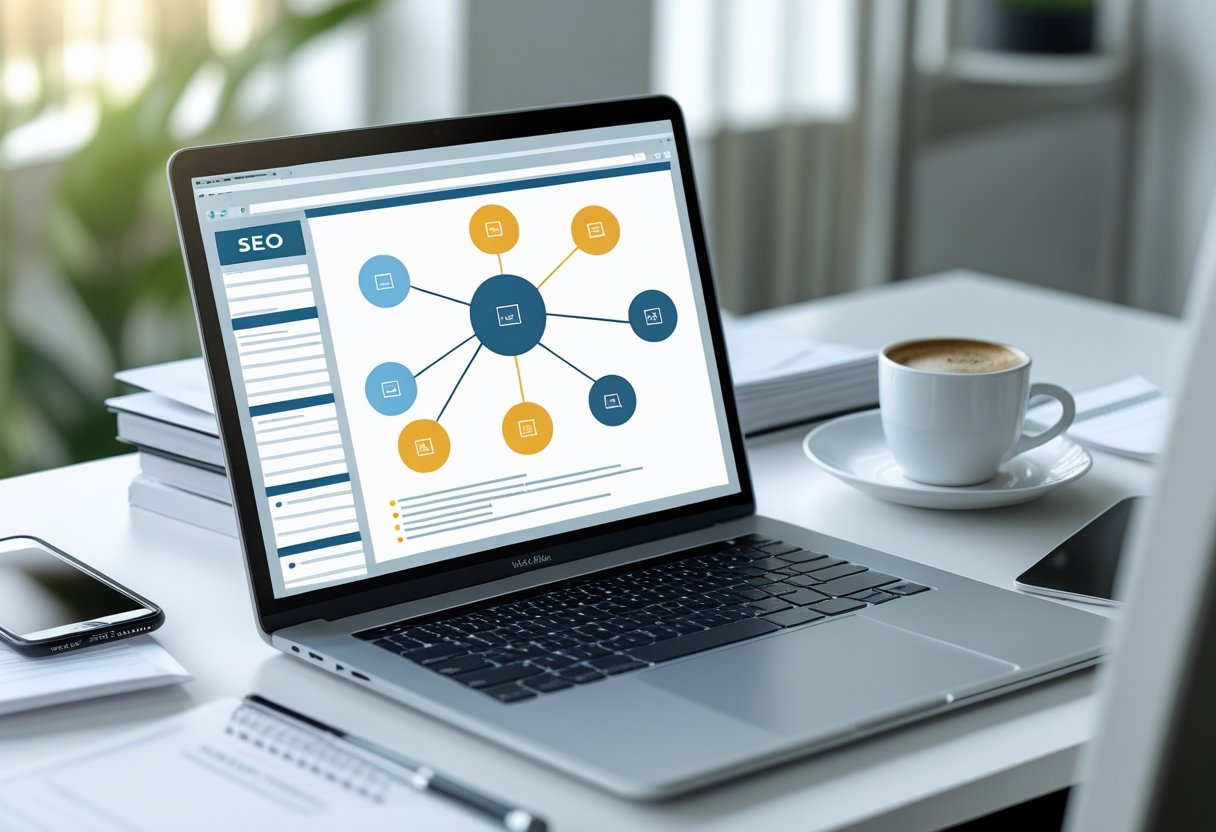
Anyone can boost their site’s SEO by following internal linking best practices, such as using clear anchor text and connecting related pages. These simple techniques improve how both search engines and users navigate a site.
For more detailed steps, see these up-to-date internal linking best practices.
Mastering internal linking is important for websites of all sizes. These strategies work for blogs, online stores, and business sites.
Following them can help unlock higher visibility and better performance.
What Is Internal Linking in SEO?
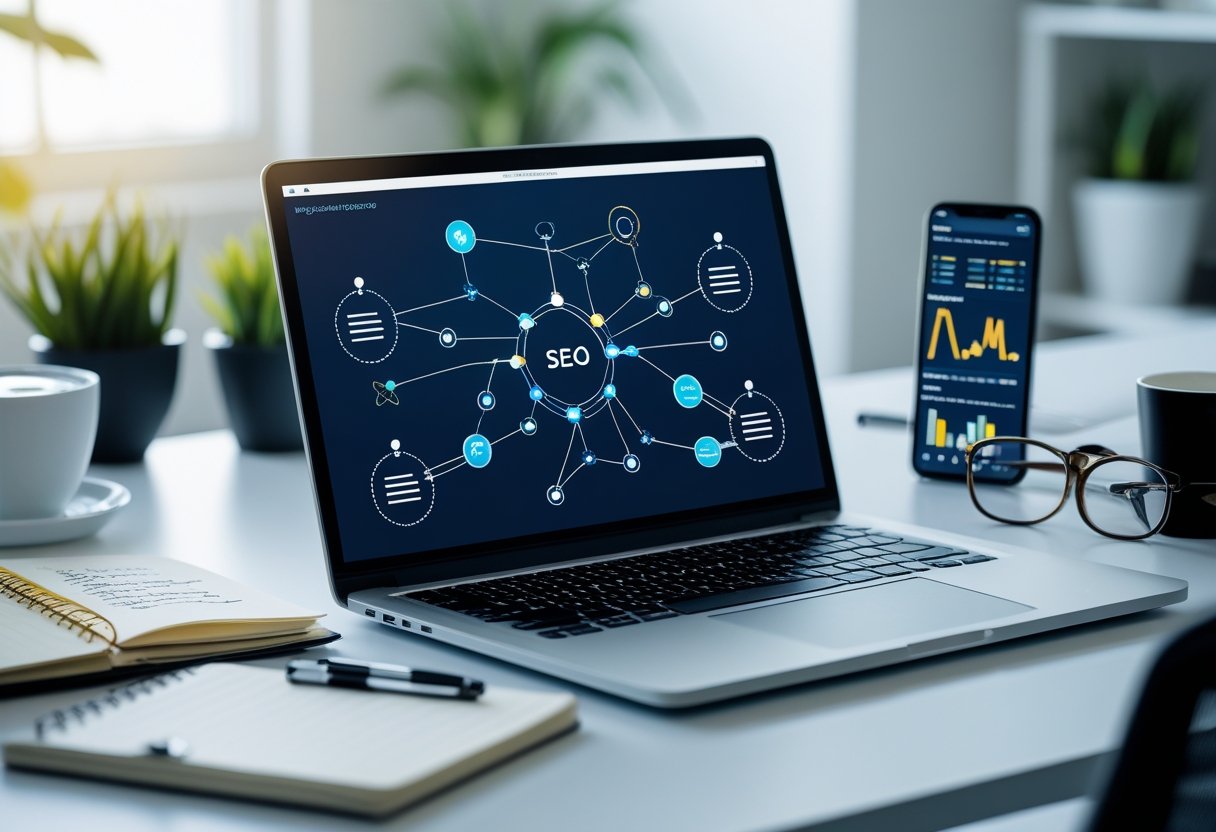
Internal linking is a basic concept in SEO. It connects different pages of the same website and guides both users and search engines.
Site navigation becomes easier with good internal links. Effective internal links support strong site architecture and boost a website’s visibility in search results.
Definition and Core Concepts
Internal links are hyperlinks that move users from one page on a website to another page within that same site. You can find these in menus, footers, content pages, or even images.
Unlike navigation menus, which appear on all pages, internal links also show up naturally inside articles and blog posts.
The main function of internal links is to help users and search engine crawlers discover more of the website’s content. This flow of information establishes the site’s structure and highlights important pages.
A well-planned internal linking strategy improves the user experience by making information easier to find.
Differences Between Internal and External Links
An internal link connects to another page within the same domain. For example, a link from a homepage to a contact page on the same site is internal.
An external link directs users to a page located on a different website.
Here’s a quick table for reference:
| Type of Link | Goes To | Example |
|---|---|---|
| Internal Link | Same domain | blog.mysite.com/page1 → page2 |
| External Link | Different domain | mysite.com → another.com |
Internal links build strong site architecture and help with navigation. External links can boost a website’s credibility.
Role in Search Engine Optimization
Internal linking helps search engines like Google understand the layout of a website. It shows which pages are most valuable and how the content relates to each other.
Search engine crawlers follow internal links to find new content and update their indexes. Sections of a website with more internal links pointed at them appear more important.
Proper use of internal links also makes it easier for visitors to navigate a site. This leads to longer time on site, lower bounce rates, and better overall user experience.
Benefits of Effective Internal Linking

Effective internal linking is essential for both users and search engines. It guides visitors to important pages and supports search engine indexing.
It also makes it easier to build a strong site structure.
Improved Website Navigation
Internal links help visitors move around a website without getting lost. By connecting related content, people find answers faster and spend more time on the site.
Good navigation reduces the bounce rate and makes visitors more likely to discover valuable or high-converting pages.
A well-planned internal linking structure acts like a roadmap. Important pages should be only a few clicks away from any starting point.
For larger websites, clear menus and contextual links inside articles help users explore different topics and services easily.
Site structure is easier to understand for visitors when similar topics are clustered together using helpful links. A clear path from one page to another also improves user engagement.
Boosting Page Authority and Rankings
Internal links play a key role in sharing link equity and PageRank throughout a website. When a high-authority page links to another page, it passes some of its value along, which can help the linked page rank higher in search engines.
This makes it easier to promote new or important pages without having to earn external backlinks for every piece of content.
A solid internal linking strategy can help boost the rankings of pages that are important for business goals. By using keyword-rich anchor text, site owners provide extra clues to Google about the relevance and topic of each page.
This also helps distribute traffic and authority more fairly across all content.
If internal links are used wisely, they can increase organic traffic by making sure that search engines and users find key pages more often. This improves the visibility of high-converting product or service pages and supports the website’s overall SEO performance.
Enhancing User Experience
User experience improves when people can find and access related content without frustration. Internal links embedded in text help readers follow a logical path, making the website easier to use.
When users are guided to helpful resources, they stay longer and explore more content.
Sites that use internal links well usually have better engagement metrics, such as longer session durations and more pages viewed per visit. Links should always be relevant and not excessive.
Too many links can confuse readers and hurt usability.
To provide the best experience, websites should avoid broken or outdated links. Keeping links updated ensures visitors have a smooth journey.
Optimized Indexing and Crawlability
Internal links help search engine bots travel through a website. Search engines like Google follow these links to discover new pages and understand the relationships between different topics.
A logical internal linking structure allows even deep pages to be found and indexed faster. This reduces the risk of orphan pages, which may not show up in search results.
Proper coverage of all important content improves overall indexing efficiency.
When search engines can crawl and understand the site structure, they do a better job of ranking pages for relevant queries. Internal linking also helps search engines see which pages are most important by the number and quality of links pointing to them.
Key Elements of Optimized Internal Links
Effective internal links make websites easier to use. They help search engines understand the content and importance of each page.
To get the most from internal link building, focus on anchor text, link placement, and linking to the right pages.
Descriptive and Relevant Anchor Text
Anchor text is the clickable word or phrase used in a link. For SEO, the anchor text should be descriptive and tell the reader and search engines what to expect on the target page.
Using clear and specific anchor text, such as “SEO best practices” instead of “click here,” improves both user experience and keyword targeting.
Avoid repeating the same anchor text for different pages. Use a variety of primary keywords, related phrases, and long-tail keywords that match the search intent behind the link.
Descriptive anchor text builds trust, since users can see exactly what they will get before clicking. Google uses anchor text as a ranking factor, so it matters for both SEO and usability.
Contextual and Editorial Internal Links
Contextual or editorial links are placed within the main content of a page, surrounded by relevant information. These links are different from navigational or footer links, as they fit naturally into the content.
Readers are more likely to click on links that are useful and clearly related to what they are already reading.
Editorial links can direct users to other important or related content. This helps search engines discover and pass page authority to key pages.
Placing internal links in the main body of text, especially near the top, makes them more visible to users and search engines. Avoid overusing links in sidebars or footers, as these are usually seen as less important.
Using Relevant Target Pages
Internal links should point to pages that are truly related and add value for the reader. Linking to relevant pages helps users find more information and keeps them on the site longer.
It’s important for SEO to create connections between content pillars, main topics, and supporting subtopics — as explained in this guide.
Choose target pages that match the context and theme of the linking page. This makes it easier for search engines to understand how site content is organized.
Linking to high-priority or high-authority pages can also help boost their rankings.
Use a mix of new and established pages as targets. This supports site structure and pushes authority toward key areas.
Avoid linking to unrelated or low-quality pages, since this can confuse users and weaken SEO signals.
Site Architecture and Structure for Internal Linking
A well-planned site architecture makes it easier for both users and search engines to find and understand pages. A good site structure improves internal linking.
This can increase page authority and help important content rank higher.
Site Hierarchy and Click Depth
Site hierarchy is the way content is organized from the homepage to deeper pages. A clear hierarchy helps search engines follow internal links and grasp what content matters most.
Most sites work best with a “silo” structure: broad categories at the top, then branching into specific topics.
Click depth is how many clicks it takes to reach a page from the homepage. Pages with fewer clicks from the homepage are seen as more important.
If a key page is buried too deep, search engines may struggle to find and rank it. Try to keep important pages within three clicks of the homepage.
An organized structure also supports easy navigation and spreads link equity across the site.
This ensures both visitors and search engines don’t miss valuable pages.
Effective URL Structure
URL structure is about how web addresses are formed and organized on a site. Clean, keyword-rich URLs give both users and search engines clear context about the page.
For example, a URL like www.site.com/category/page is easier to understand than a string of numbers and symbols.
Short URLs that reflect the site’s hierarchy are best for SEO and usability. Descriptive URLs can signal relevance and make it easier to link related pages together through internal links.
Avoid using unnecessary parameters, as these make URLs hard to read and may confuse search engines.
Using a logical URL structure helps create stronger internal links. It also supports navigation and makes the site easier to manage as it grows.
Orphan Pages and Orphaned Pages
Orphan pages are pages that no other page on the site links to. Orphaned pages are not part of the internal link structure, making them hard for search engines to find or index.
These pages may miss out on passing or receiving link equity. Use tools or crawl software to find pages with zero internal links.
Add relevant links to these pages from other parts of the site, ideally from related content or navigation menus. Preventing orphan pages also improves user experience.
Good site architecture and internal linking ensure that every page is connected. This increases the chance that both visitors and search engines discover it.
Technical SEO Considerations
Effective internal linking relies on strong technical SEO. Search engines need to find, understand, and index important pages.
Fix behind-the-scenes site issues such as broken links, optimize crawl paths, use structured data, and avoid duplicate content problems.
Crawl Budget Optimization
Search engine crawlers, like Googlebot, have a limited crawl budget for every site. Too many low-value or unnecessary links can waste resources and cause crawlers to miss key pages.
Use a clear site structure and organize links by priority. Limit unnecessary internal links to pages like old announcements or thin content.
Make important pages easier to access with fewer clicks from the homepage. Avoid orphan pages that have no internal links.
A robots.txt file can guide crawlers away from pages that should not be indexed. For more advice on crawlable links, see Google’s guide on SEO link best practices.
Managing Broken Internal Links and Redirects
Broken internal links hurt user experience and SEO. These links lead to error pages, confusing visitors and wasting crawler’s time.
Regularly scan your site for broken internal links using a crawler tool or Google Search Console. Fix broken links by updating the URL or removing the link.
If a page has moved, use a 301 redirect to send users and search engines to the new page. Avoid using too many redirects in a row, as long redirect chains slow down crawling and can hurt rankings.
Quick checklist for managing links:
- Run regular link audits
- Fix or remove broken URLs
- Set up proper redirects for moved pages
XML Sitemaps and Structured Data
An accurate XML sitemap helps search engines discover and index your most important pages. Submit your sitemap in Google Search Console to let crawlers know about all crawlable pages.
Update your sitemap whenever you add or remove significant content. Structure your data with schema markup using structured data techniques.
This helps search engines understand page content better. Structured data doesn’t replace good internal linking but adds extra context, which may help with rich results.
Key tips:
- Include only canonical, important pages in your sitemap
- Validate your sitemap and structured data with appropriate tools
- Use schema to highlight elements like breadcrumbs
Canonical Tags and Duplicate Content
Duplicate content can confuse search engines and dilute ranking signals. Use canonical tags on similar or duplicated pages to tell search engines which version to prioritize.
This is especially helpful for sites with faceted search, filters, or sorted categories. Make sure each page that can appear in multiple ways (such as different URLs with tracking parameters) points to a single canonical URL.
This helps combine ranking strength and prevents the site from competing with itself. Confirm the canonical tag matches the main version of the page.
Inspect pages periodically to catch accidental duplicate issues and make corrections as needed.
Best Practices for Internal Linking
Effective internal linking relies on regular audits, attention to mobile performance, smart link placement, and maintaining a secure, trustworthy website. Internal links guide users and search engines, build topical authority, and improve rankings.
Regular Internal Link Audits
Regular audits find broken links, update outdated URLs, and fix redirect chains. These audits help keep the site structure healthy and make sure link signals pass efficiently.
Tools like Google Search Console and other SEO tools highlight link errors and opportunities for improvement. Site owners should set a schedule, such as every quarter, to review links.
During audits, map out the current structure, find orphan pages, and check anchor text variety. Enforcing best practices controls link depth and avoids excessive links on a single page.
A simple table can track audit findings:
| Issue | Number Found | Action Needed |
|---|---|---|
| Broken Links | 5 | Fix/Remove |
| Orphan Pages | 3 | Link Internally |
| Redirect Chains | 2 | Simplify |
Ensuring Mobile-Friendliness and Page Speed
Most visitors now browse on mobile devices, so mobile-friendliness is crucial for internal links. Tap targets should be large, with enough space between links.
Avoid placing clickable links too close together so users avoid accidental clicks. Fast page speed also improves user experience and helps links get crawled.
Use speed optimization techniques, such as compressing images, enabling browser caching, and using lightweight code. Testing tools like Google PageSpeed Insights highlight problems and give recommendations for faster loading.
Mobile and speed checks should be part of every internal link audit. Consider using a checklist:
- Links are easy to tap on small screens
- No overlapping elements
- Fast load times (under 3 seconds)
- Pages render correctly on all devices
Regular updates to design or layout help maintain internal linking quality as trends shift.
Balancing Link Distribution
Link equity, or “link juice,” should be distributed fairly. Avoid having too many links pointing only to top-level or money pages.
Important supporting pages, such as pillar articles or in-depth guides, need links too. Plan links so users and search engines can discover a wide range of content.
Use a mix of anchor texts that are descriptive and relevant, but not spammy. This improves both user navigation and keyword relevancy.
A simple chart can visualize link flow:
| Page Type | Average Internal Links Received |
|---|---|
| Homepage | 15 |
| Pillar Pages | 10 |
| Regular Posts | 5 |
| Orphan Pages | 0 |
Balancing links helps keep the site structure flat and accessible. Over-linking or under-linking can hurt both SEO and usability.
Linking to high authority pages from inside content can improve ranking for those pages, as described in the internal linking practices guide.
Enhancing Security and User Trust
A secure website improves trust for users and search engines. Sites should always use HTTPS, which protects data and shows users their connection is safe.
Make sure all internal links use the HTTPS protocol, not any older HTTP links. Visitors are less likely to trust a site that shows security warnings or mixed content messages.
Security plugin tools and regular website scans can help spot vulnerabilities. Fix any security issues right away.
Tie security with E-A-T by clearly displaying contact pages, privacy policies, and about pages. Internally link these pages from main menus or footers.
A secure website supports user confidence, reduces bounce rate, and strengthens overall site credibility.
Common Internal Linking Mistakes to Avoid
Mistakes with internal linking can prevent important pages on a website from ranking well in search engines. Not paying attention to anchor text, orphaned pages, and the number of internal links per page can lower the site’s SEO effectiveness.
Over-Optimizing Anchor Text
Over-optimizing anchor text means using the same keyword-rich phrase repeatedly for internal links. While anchor text should describe the linked page, using the exact same keywords over and over can look manipulative to search engines.
This practice may lead search engines to view the links as spammy or unnatural. Use natural and varied anchor text instead.
Alternate between branded terms, generic phrases, or related keywords. Instead of linking every time with “best hiking boots,” use phrases like “our favorite outdoor footwear” or “visit this page for details.”
This makes the user experience better and helps keep the profile of internal links balanced and natural. Track the terms being used in links and regularly audit pages.
A simple table or spreadsheet can help monitor anchor text for each link. This approach can build trust with both users and search engines.
Ignoring Orphaned Content
Orphaned pages are those without any internal links pointing to them. Search engines find it hard to discover these pages, which can lead to them not being indexed or getting less visibility in search results.
If a page has no internal links, users are much less likely to see it. Regularly check for orphaned pages and link to them from related articles or navigation menus.
When new blog posts or product pages are published, make sure at least one page on the site links to them. Many site audit tools can find orphaned content quickly.
Steps for managing orphaned pages:
- List all site pages.
- Check which ones have zero internal links.
- Update old and new pages with links where needed.
This organized process keeps content connected and makes the website easier for both users and search engines to explore. Several guides show other techniques for fixing orphaned pages.
Creating Too Many Links per Page
Pages stuffed with internal links can confuse users and dilute the value that search engines assign to each link. When a page contains hundreds of links, it becomes difficult for visitors to know where to click and for search engines to prioritize which links are most important for crawling.
Use a reasonable number of relevant internal links. Link only to pages that provide extra value or needed information for the reader.
Use a mix of contextual links placed naturally within the text and some in navigation or related content sections. If a site has very large pages with too many links, consider splitting up the content or removing links that are not necessary.
Focus on quality over quantity to support optimized internal linking. This helps direct search engines to the most important pages without overwhelming them.
Advanced Internal Linking Strategies
Effective internal linking uses more than basic page connections. Strategic use of community input, integration with marketing efforts, and well-placed editorial links can boost topical authority and drive more organic traffic.
Leveraging User-Generated Content
Websites with forums, review sections, or comment areas can gain from linking user-generated content to high-value pages. When a user mentions a topic, add a link to a related product page, FAQ, or blog post.
This connects different parts of the site and provides helpful paths for visitors. Site owners should monitor how links are used in user contributions to avoid spam or broken links.
Set guidelines for what can be linked, or use moderators, to maintain link quality. Tools that automate keyword-based linking can also simplify this process.
Engage users to suggest content or contribute reviews to increase the number of internal links. This also creates new entry points for search engines.
For more tips, read about using internal links in SEO.
Content Marketing Integration
A strong content marketing plan connects new articles and campaigns back to the main landing pages or authority content using internal links. Each new piece should reference related guides, category pages, or case studies.
This supports topical clusters and spreads ranking power across critical pages. Marketers often create pillar pages that act as main hubs.
All supporting content, like blog posts or videos, should link to these hubs and to each other where it fits. Mapping content before publishing ensures links are purposeful and helps prevent orphaned pages.
Linking from campaign landing pages to evergreen resources can enhance user navigation and boost page authority in search engine results. For a deeper breakdown of linking in content strategies, visit this internal linking strategy guide.
Using Editorial and Contextual Links for Authority
Editorial links appear naturally in an article when the writer finds them relevant. These links carry more weight with search engines and give readers helpful context.
Linking key phrases in articles to other high-value pages builds authority and supports SEO goals. Make these links contextually relevant.
For example, if a blog mentions a specific service, link to that service page using varied anchor text. Avoid adding too many links in one article.
One link every 200-300 words is usually effective. Learn more about proper link balance from this internal linking best practices guide.
Editorial and contextual links help spread link equity. They guide users and search engines to the most important content on the site.
Table of Contents
Serious about growth?
Tell us what you’re building, what is not working, and where the current system is breaking.